 Falconry Labs
Press kit
Everything you need to write about Falconry Drive. Free to use in articles and videos about it. Questions or a review licence: hello@falconrylabs.com.
In one sentence
Falconry Drive reads and writes Windows (NTFS) drives on Macs with Apple silicon, built on Apple’s FSKit with no kernel extension, and writes the NTFS journal the way Windows does.
In a paragraph
Falconry Drive is an NTFS read/write file system for macOS 27 on Apple silicon. It is built on Apple’s FSKit, so it needs no kernel extension and no Reduced Security, and System Integrity Protection stays on. Its own NTFS engine writes every change into the NTFS journal ($LogFile) in the format Windows uses, so a drive unplugged mid-copy comes back consistent on a Mac or a Windows PC. Volumes it writes are checked with Windows chkdsk. A native Mac app mounts, verifies, repairs and formats disks, and keeps NTFS, APFS, exFAT and other volumes in one place. Falconry Drive costs $27.99 a year with a 14-day free trial; if the licence lapses, disks open read-only and are never locked.
Key facts
- Product: Falconry Drive, by Falconry Labs
- Platform: macOS 27 on Macs with Apple silicon
- First release: 25 November 2026 (version 1.2.0); current version on What’s new
- Price: $27.99 a year for one Mac, plus applicable tax; 14-day free trial; new versions free
- Technology: Apple’s FSKit, no kernel extension, SIP stays on; NTFS journal written as Windows writes it
- Correctness: judged by Windows
chkdskon a real Windows machine — see How we test - Speed: reading keeps pace with APFS on the same Thunderbolt SSD — measurements and method on the product page
- Privacy: no telemetry, no analytics
- Not yet supported: BitLocker, writing to compressed or sparse files, Intel Macs and earlier macOS
About the studio
Falconry Labs is a one-person software studio in Ukraine that builds tools for the Mac, starting from the file system up. Falconry Drive is its first product.
Icons



Screenshots
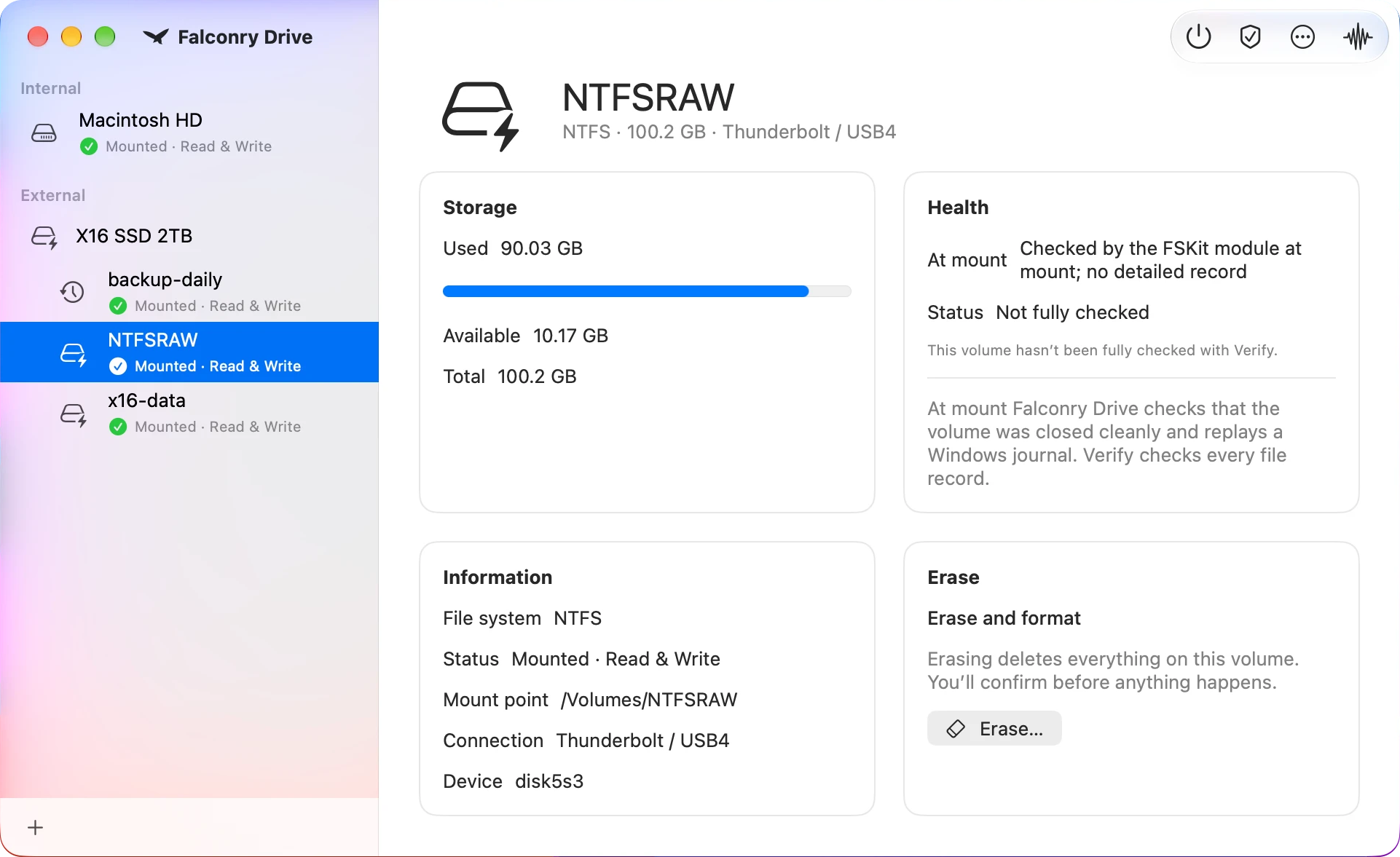
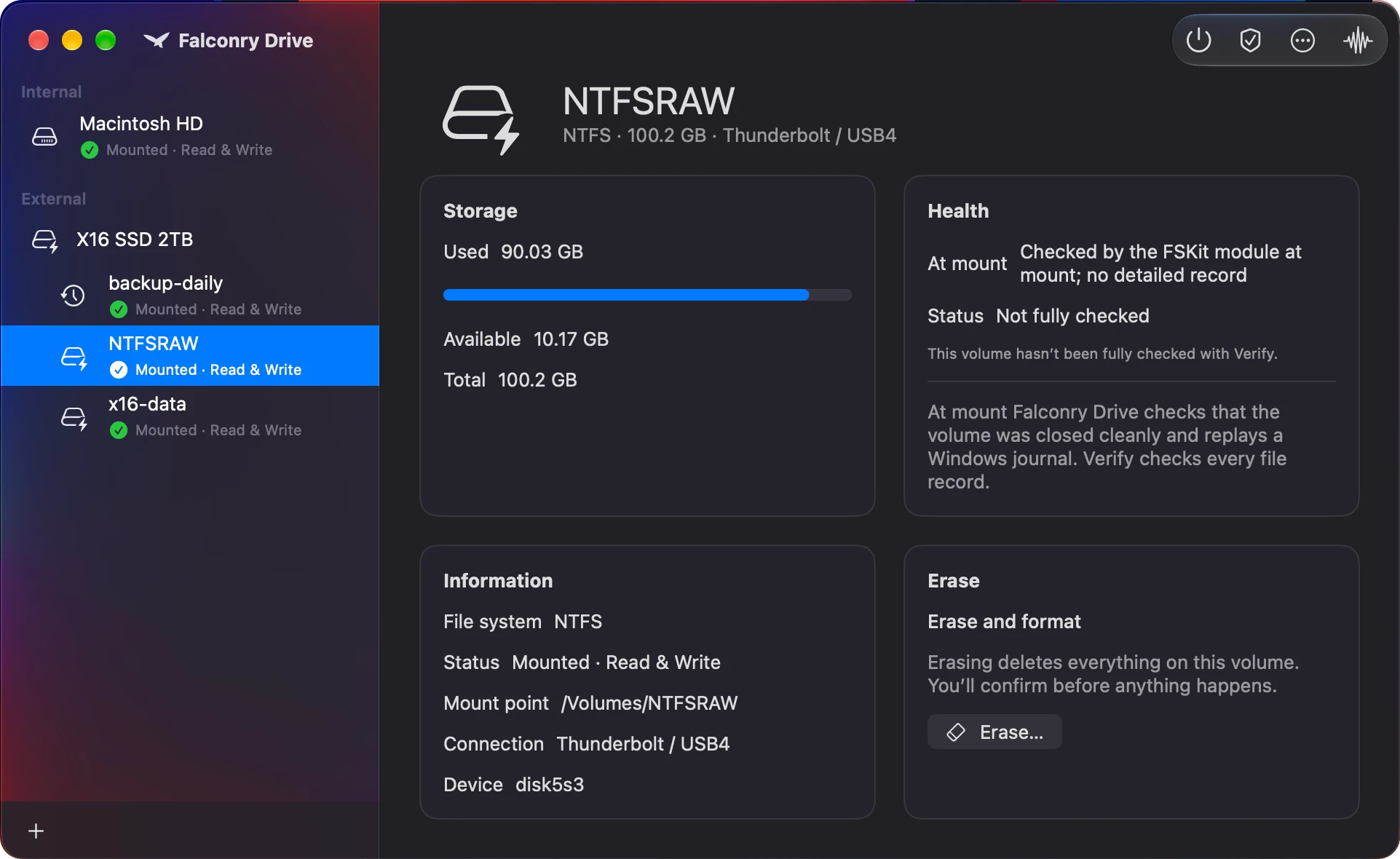
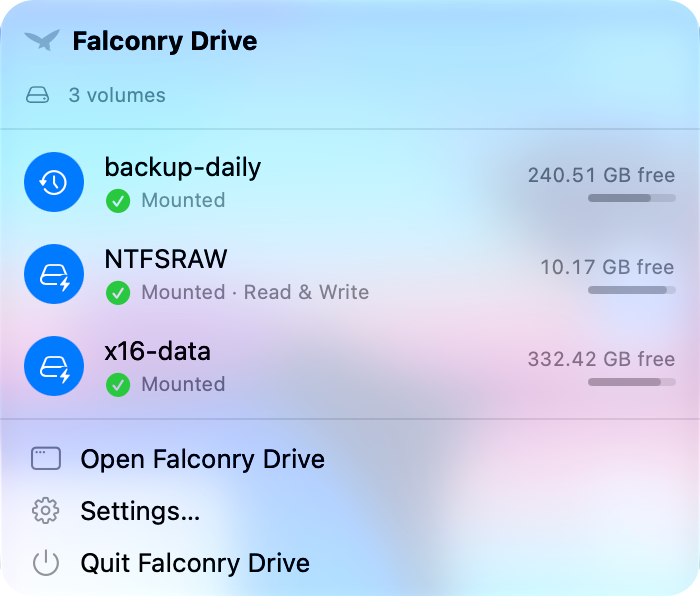
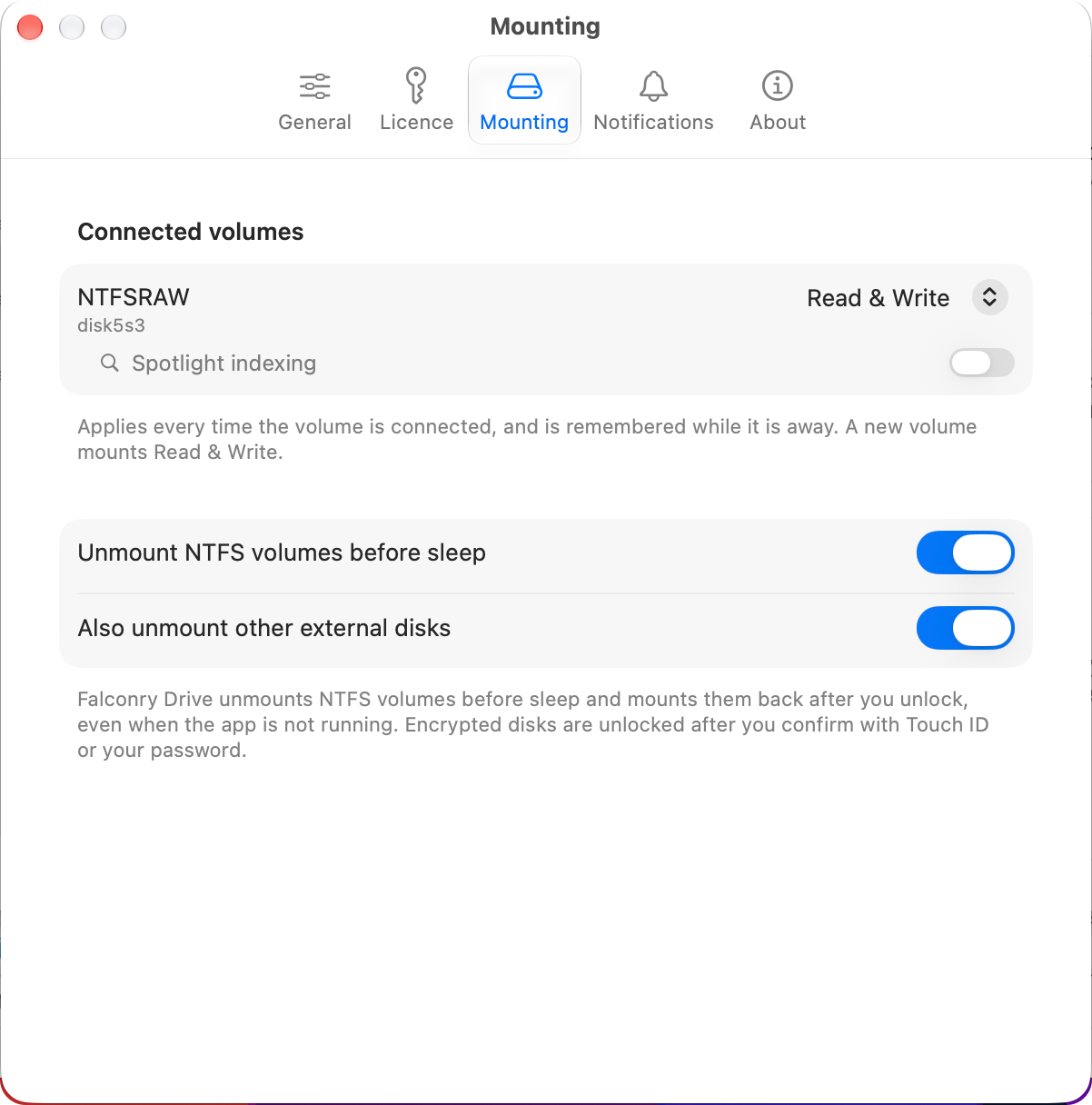
The interactive demo on the product page shows the app with sample data.
Further reading
- How we test — Windows chkdsk as the judge, unplug rounds, overnight runs
- Writing the NTFS journal the way Windows does
- Writing a file system that writes: what we learned on FSKit
- Guides to NTFS drives on a Mac
Listed on

Review licence
Writing about Falconry Drive or making a video? Write to hello@falconrylabs.com and we will send a free licence for review.